
Charleston County Active Warrants
The Charleston County Sheriff's Office publishes an official Warrants Search Form for active warrant checks. The search is public, but the sheriff's warning is direct: citizens should not take individual action based on the online information, and the information is not confirmation that a warrant is active. It is also not probable cause for arrest. Names, dates of birth, aliases, and other details can be wrong when wanted persons use false identification.
Use the sheriff form for a first pass, then confirm the result. The Sheriff's Office says warrant information may not be current because warrants can be recalled, removed, or added throughout the day. That warning is important for bench warrants, payment-related warrants, and cases where the issuing court sends discharge or correspondence after payment or compliance.
The sheriff's active warrant page is the lead source for name search.
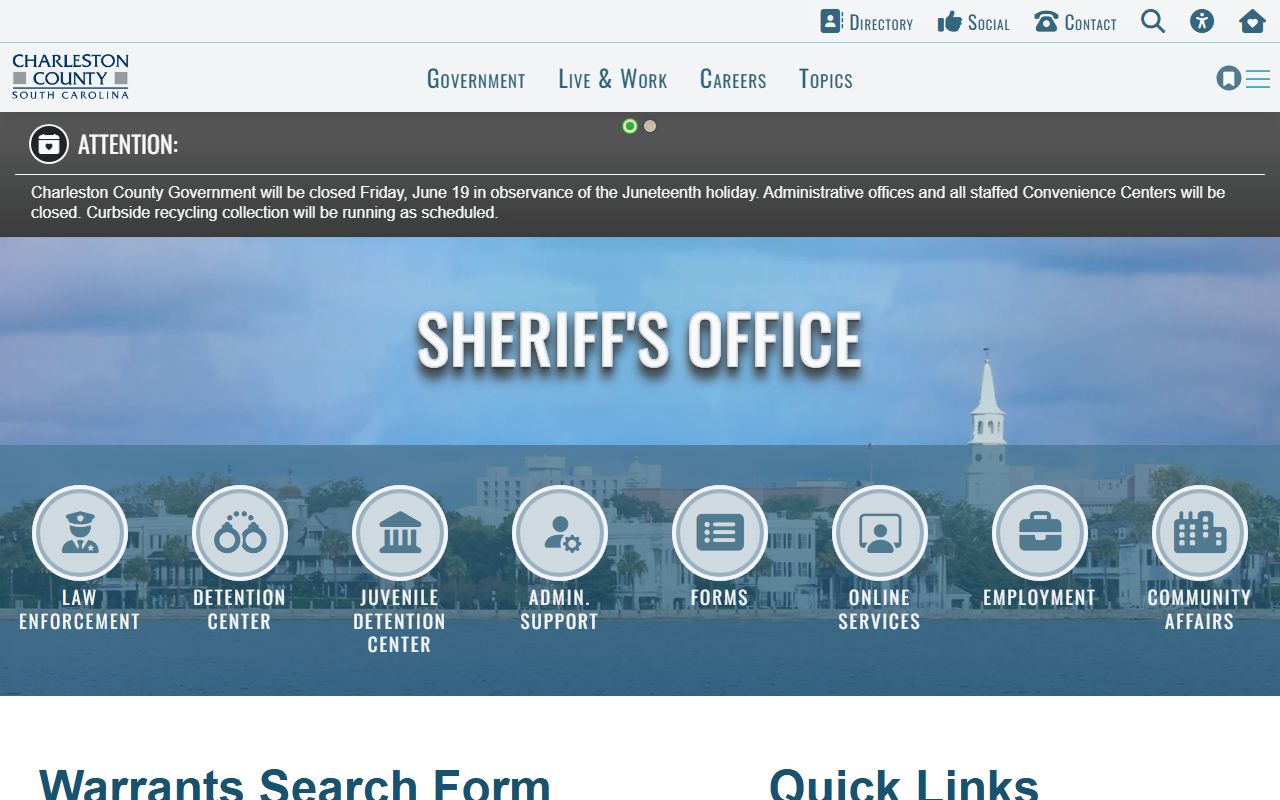
The form supports an initial Charleston County warrant search, but the listed result still needs official confirmation.
Charleston County Warrant Search Fields
The sheriff warrant form is narrow by design. It uses name fields rather than a broad case-history search. A last name is required, and a first name can be added to reduce false matches. If a name is common, spelling variations and aliases may affect the result, so the search should be paired with the confirmation channels described by the Sheriff's Office.
| Field Label | Type | Required | Options / Format Notes |
|---|---|---|---|
| Last Name | Text | Yes | Search by last name only or by last name plus first name. |
| First Name | Text | No | Narrows a last-name search when the first name is known. |
| Search Warrants | Button | Yes | Runs the active warrant search after required data is entered. |
| Asterisk (*) | Required marker | n/a | Identifies the required last-name field. |
The Sheriff's warrant FAQ provides the practical next step after a possible match. It explains that online information can change during the day and that the warrant must always be confirmed through the Sheriff's Office.
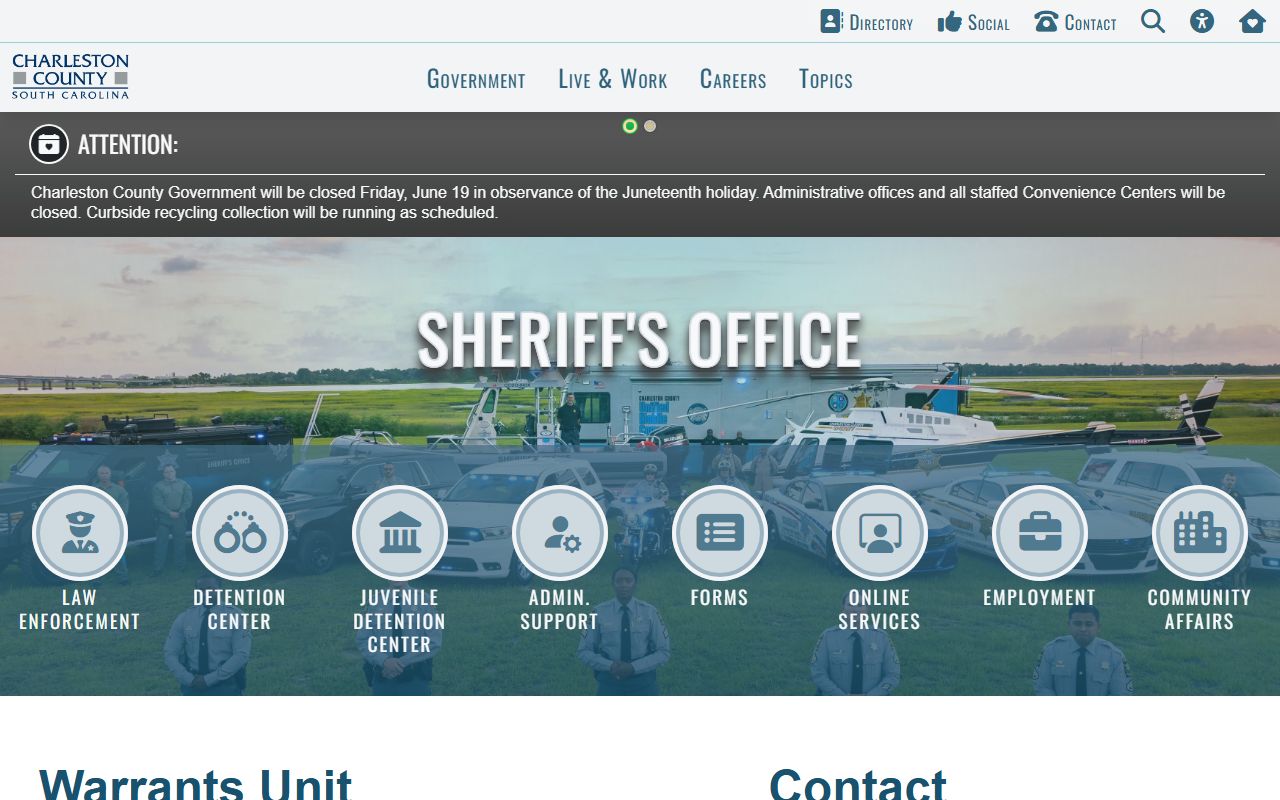
The FAQ is the controlling source for confirmation methods when a Charleston County warrant search returns a possible match.
Confirm Charleston County Warrants
The Sheriff's Office identifies four channels for confirming warrant status. The preferred method is in person at the Sheriff's Office. During normal business hours, the Warrants Office can be contacted. After normal hours, the Charleston County Consolidated Dispatch Center can send an officer to check potential warrant status. The FAQ also allows an email inquiry with full identifying and contact information.
| Channel | How It Works | Use When |
|---|---|---|
| In person | Report to Charleston County Sheriff's Office, 3505 Pinehaven Drive, North Charleston, SC 29405. | Most direct confirmation is needed. |
| Warrants Office | Contact the Warrants Unit during normal business hours listed as 7AM to 7PM Monday through Friday. | A possible active warrant appears online. |
| After-hours dispatch | Call Consolidated Dispatch at (843) 743-7200 and request that an officer check potential status. | The Warrants Office is closed. |
| Email inquiry | Include full name, other names used, date of birth, address, Social Security number, and contact information. | Written inquiry is needed and time is not urgent. |
Emergency instructions are separate: call or text 911. For nonemergency sheriff contact, the warrant page lists 843-202-1700, and after-hours or weekend instructions also point to that nonemergency line or local law enforcement.
Charleston County Warrant Records
A sample warrant inventory is limited because the public page warns that a result is not official confirmation. Still, the search and FAQ identify the fields and warnings a reader should expect to reconcile. A result may carry subject identity details, charge or offense information, issuing agency or court, date, warrant number, or bond when released. False identification can cause incorrect name, date of birth, or alias details to appear.
| Field | What It Shows |
|---|---|
| Name searched | The last name and optional first name used to locate a possible warrant match. |
| Subject identity | Released name, date of birth, alias, or similar identifier, subject to false-ID risk. |
| Charge or offense | The alleged violation tied to the warrant if the public result exposes it. |
| Issuing court or agency | The court or law-enforcement source associated with the warrant. |
| Warrant number or date | Tracking details when the public record includes them. |
| Bond or action note | Possible bond or surrender instructions, which must be confirmed before action. |
The Sheriff's Operations and Judicial Division source identifies warrant-related work within the broader judicial and enforcement functions of the agency.
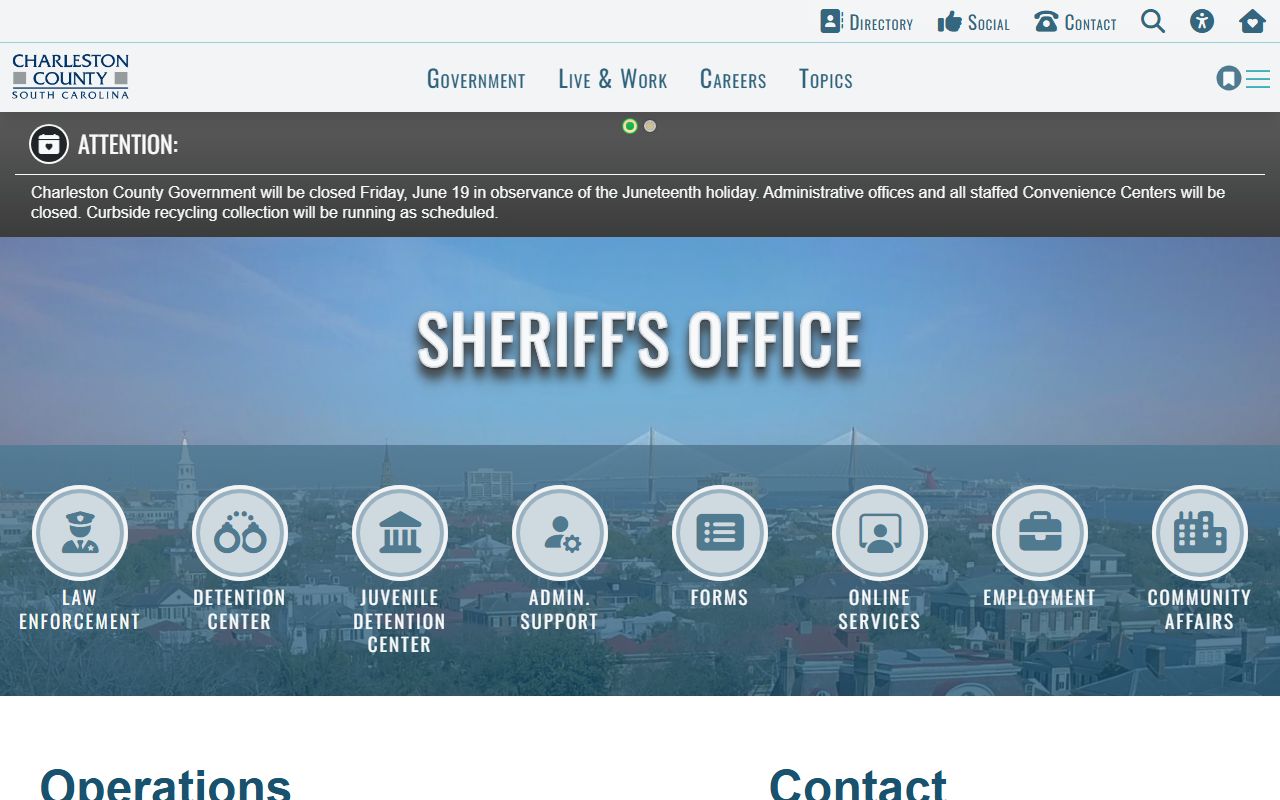
Judicial services, warrants, fugitives, extraditions, civil process, and court security can intersect when a warrant becomes a court or custody matter.
Types of Charleston County Warrants
Not every warrant has the same source or public status. Some warrants come from criminal investigations. Others arise when a person misses court, fails to comply with a court order, or has an unresolved citation. Search warrants and sealed investigative materials may not be public while active or confidential.
- Arrest warrants may originate from law enforcement, lower court, or Circuit Court criminal matters.
- Bench warrants are often issued by Magistrate, Municipal, Family, or Circuit Court for failure to appear, contempt, or noncompliance.
- Search warrants are generally not public while active, sealed, or tied to an investigation.
- Fugitive or extradition warrants may involve sheriff fugitives, extraditions, or U.S. Marshal task-force work.
- Civil process and judgment actions can involve sheriff judicial services but are not the same as active criminal warrants.
If a warrant is tied to a bench warrant or payment, Charleston County's online payment warnings say the trial court should be contacted during normal business hours so detention center discharge and sheriff correspondence can be processed. Ignoring that step can leave status unclear even after payment.
Resolve Charleston County Warrants
An outstanding warrant can lead to arrest. The safest practical path is to confirm status with the Sheriff's Office, identify the issuing court, and speak with counsel when the matter is serious. Bring identification, case or citation number, warrant number, bond or payment funds if instructed, and attorney contact information if represented.
- Do not rely only on the website search.
- Search the official warrant form by last name and optional first name.
- Call the nonemergency line, Warrants Unit, or after-hours dispatch if a possible match appears.
- Report in person to 3505 Pinehaven Drive for the most direct confirmation.
- Contact the issuing trial court after any bench-warrant payment so discharge and sheriff correspondence are handled.
- Check whether the source court is Magistrate, Municipal, Family, Circuit, or General Sessions.
Important: A public warrant result is not confirmation of active status and should not be used for private enforcement action.
Warrant Tips and Apps
The Charleston Co Sheriffs Office app is an official public-safety channel listed in both Apple and Google app stores. The store descriptions say residents can connect with the Sheriff's Office by reporting crimes, submitting tips, using interactive features, and receiving public safety news and information. The research does not confirm an app-only warrant lookup, so the app should be treated as a reporting, tip, and news tool rather than the official warrant search source.
North Charleston Police also uses CRIMEWATCH, including an app notice that says users can browse nearby crime and submit anonymous tips. Those tools may be useful for law-enforcement tips, most-wanted items, or police notices, but Charleston County warrant status still requires sheriff or court confirmation.
Custody Notifications After Warrants
A warrant search is different from a custody notification. Once a person is arrested or booked, the Charleston County inmate search may show county jail status. State prison cases belong in SCDC, federal inmates belong in the BOP locator, and custody notification is available through VINE. South Carolina VINE is a statewide custody and victim notification service, and VINELink is the national gateway for custody-status notifications.
The South Carolina VINE source is assigned to Charleston County warrant records because a warrant can turn into a custody event.
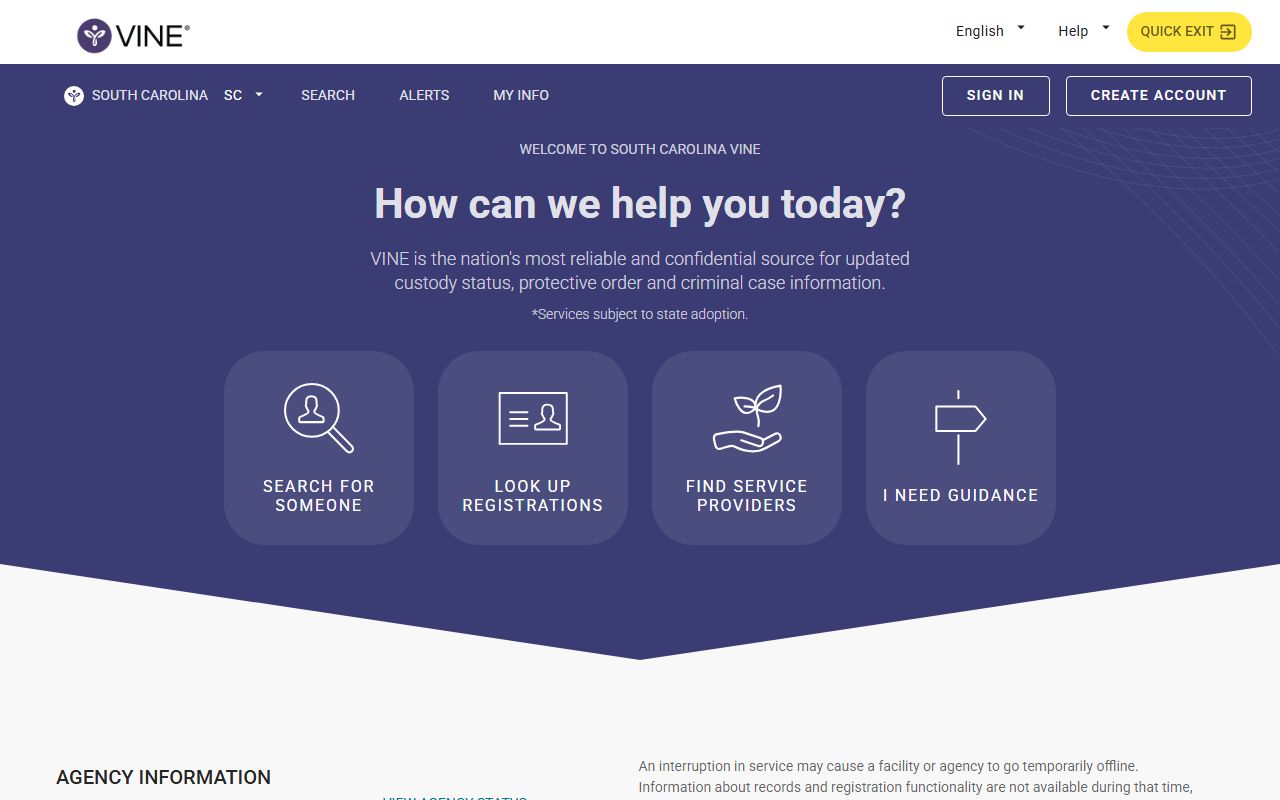
VINE helps track custody status after arrest, but it does not replace the sheriff's active warrant confirmation process.
The national VINELink gateway is also assigned to this warrant page as a broader custody notification source.
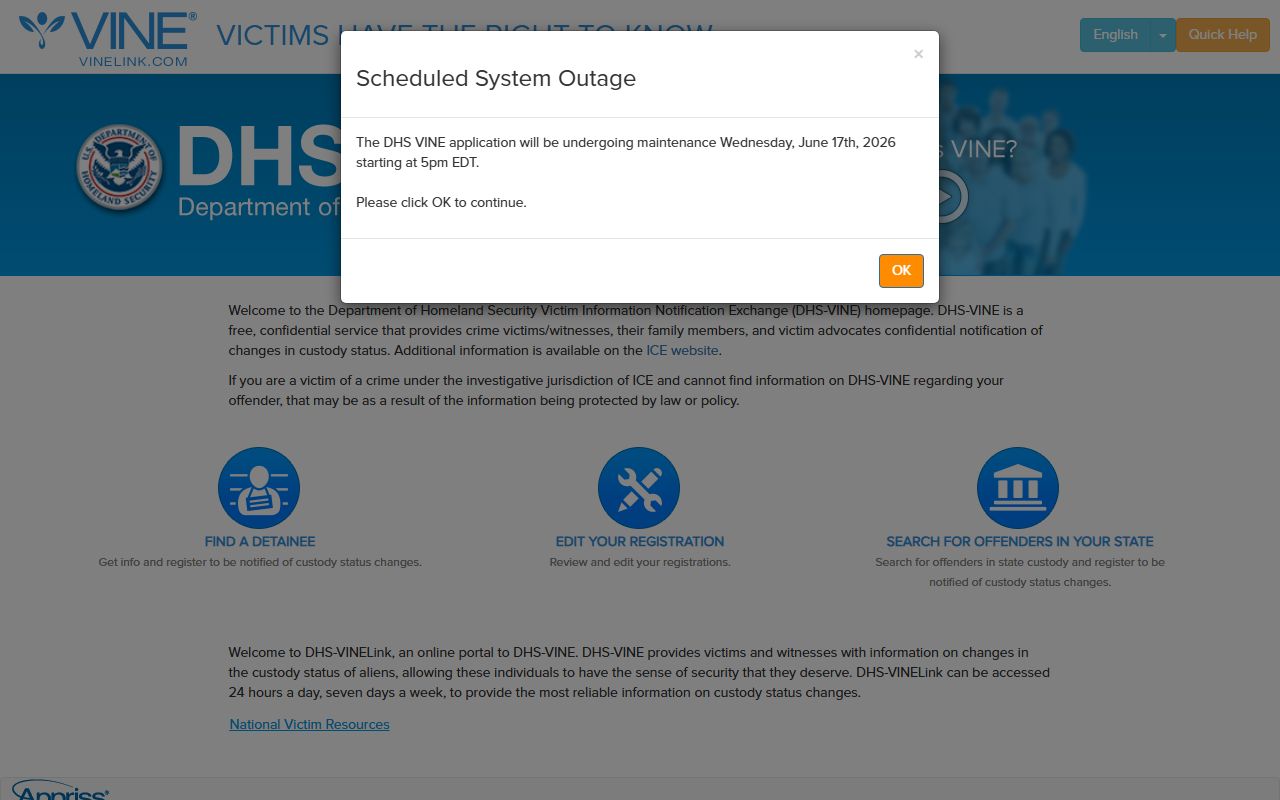
Use VINELink for notification context and use Charleston County sheriff or court channels for warrant status itself.
Restricted Charleston County Warrants
Some warrant material will not appear in public search. Search warrants can be sealed or investigative. Juvenile matters are confidential under South Carolina law. Family Court compliance or support issues may contain restricted family details. Active investigation records may be withheld under public-record exemptions. Federal warrant and fugitive matters can also route through federal agencies rather than county search tools.
Public-record access in South Carolina is shaped by S.C. Code Sections 30-4-30 and 30-4-40, which recognize public access but also allow or require withholding for protected categories. Court records that are not otherwise available online may fall under Rule 610, SCACR, depending on the record holder.