
Search Charleston County Court Records
The main online source for Charleston County court records is the Charleston County Public Index. It is the local public case search used for Circuit Court records, including Court of Common Pleas civil cases and Court of General Sessions criminal cases. The county court services directory also routes users to CourtPlus+, Clerk Day Book Search, Family Court search, Magistrate Court records, Summary Court Dockets, traffic payments, Probate search, and Master-in-Equity foreclosure resources.
The Public Index opens with a disclaimer. It says online data is not the official record, that official records remain with the office responsible for the file, and that automated scraping is prohibited. That matters when a court record must be used for filing, title work, legal review, or certified-copy purposes. For a broader case search across state court sites, the South Carolina Judicial Branch case records search points users back to county public indexes and notes that cookies, JavaScript, and pop-up permissions may be needed.
The official Public Index screen is shown in the Charleston County Public Index source.
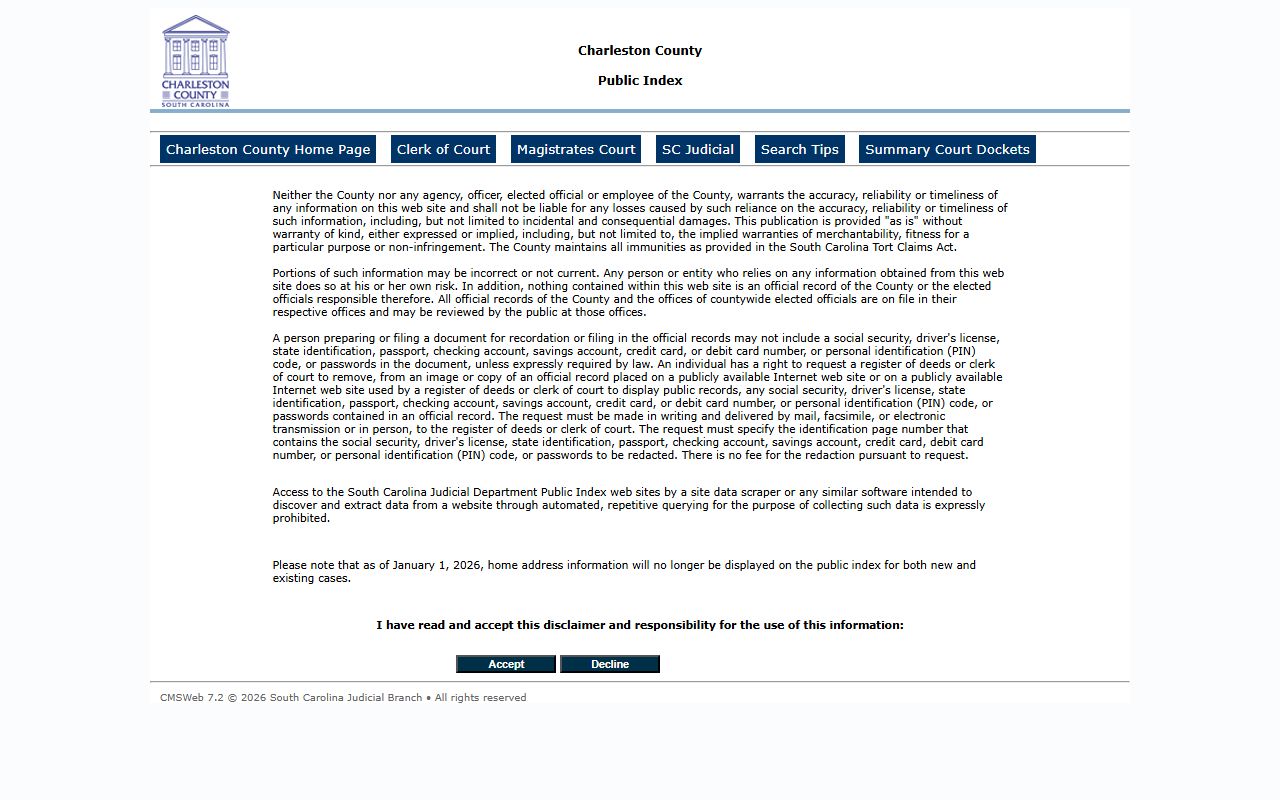
The disclaimer is part of the access path, so searchers should read it before opening case results or document images.
- Open the Public Index and accept the disclaimer if the intended search is for Circuit, Common Pleas, General Sessions, or available lower-court records.
- Select the court type and agency. Use Circuit Court and Common Pleas for civil Circuit Court cases, or Circuit Court and General Sessions for higher-level criminal cases.
- Enter a case number if known. Use the full format without spaces or dashes, such as the research examples for Common Pleas and General Sessions.
- For a party search, enter less information first, then add first name, middle initial, party type, action type, or date range only if too many results appear.
- Open the case number from the hit list, then review parties, actions, judgments, tax map, associated cases, financials, and document-image icons when available.
Charleston County Court Records Search Fields
The Clerk's search guidance warns against over-narrow searches. A business name should be simplified, punctuation should usually be left out, and middle names or suffixes should be used only when needed to filter a larger set. Common Pleas case numbers use the CP segment and Charleston's county code in the example format. General Sessions searches may use a warrant number or a GS direct indictment number.
| Field Label | Type | Required | Notes / Format |
|---|---|---|---|
| Court Type | Dropdown | Usually yes | Use Circuit Court for Common Pleas and General Sessions records. |
| Court Agency | Dropdown | Usually yes | Common Pleas is civil Circuit Court; General Sessions is criminal Circuit Court. |
| Case Number | Text | No | Enter the full number without dashes or spaces when known. |
| Last Name / Business | Text | No | Use last name or simplified business name. Avoid starting with "the". |
| First / Middle / Suffix | Text | No | Partial first names or initials may work. Middle and suffix can exclude valid matches. |
| Party Type | Dropdown | No | Limits by plaintiff, defendant, or all parties. |
| Action Type | Dropdown | No | Filters for entries such as answers, summonses, complaints, or dismissal orders. |
| Date Type and Date Range | Dropdown and dates | No | Can filter cases filed, actions filed, disposed cases, or similar date-based searches. |
| Tax Map # | Text | No | Useful for property-linked Common Pleas matters. |
| Index Search | Dropdown | No | Can narrow civil index searches to lis pendens or judgments. |
The CourtPlus+ portal is another Charleston County Clerk access point for court services.
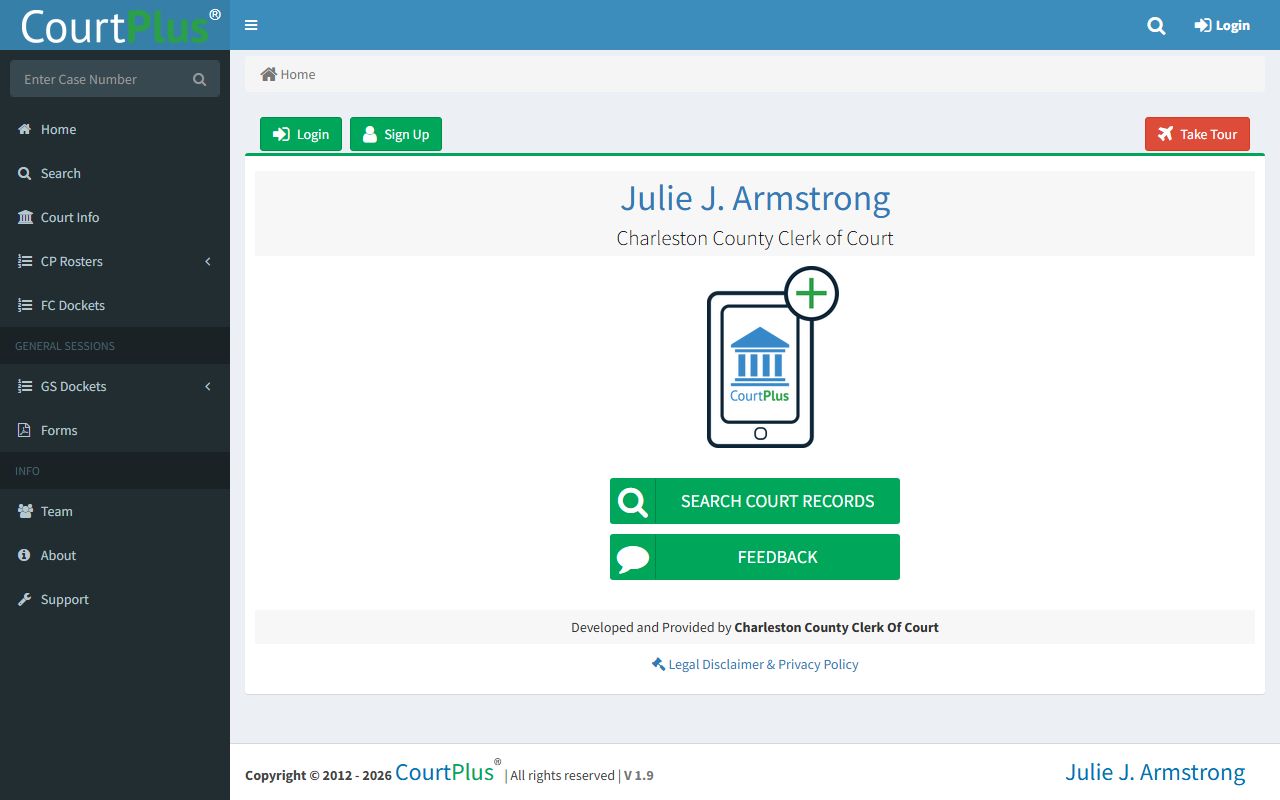
CourtPlus+ is useful when the needed Charleston County court service is not exposed as a simple Public Index name or case-number search.
Types of Charleston County Court Records
Charleston County court records are split by court. Circuit Court records are maintained by the Clerk of Court for Court of Common Pleas civil matters and Court of General Sessions criminal matters. Family Court has a separate counter and more access limits. Probate Court uses its own search tools for estates, wills, guardianships, conservatorships, commitments, and marriage licenses. Magistrate Court and Municipal Court handle traffic, local ordinance, summary criminal, small claims, landlord-tenant, bond, and preliminary-hearing records.
The Clerk Day Book Search is one of the Clerk's separate online tools.
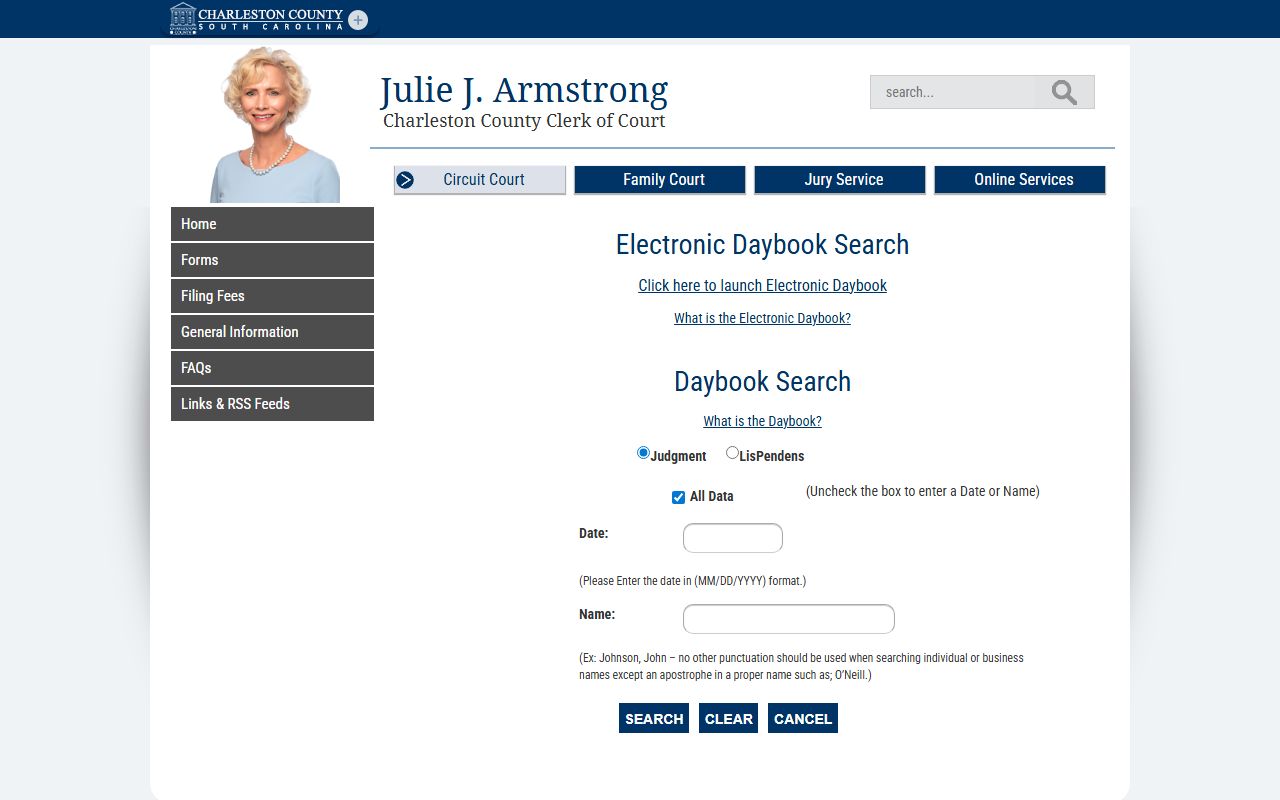
Day book access helps track filings and court activity apart from the full case-detail view in the Public Index.
- Civil Circuit Court records include complaints, summonses, answers, motions, judgments, lis pendens, foreclosures referred to Master-in-Equity, and lower-court appeals.
- General Sessions records include higher-level criminal charges, indictments, pleas, dispositions, sentences, bond entries, hearing entries, and financials.
- Family Court records include divorce, custody, support, juvenile, and abuse or neglect matters, but many details are restricted.
- Probate records include estates, wills, personal representative appointments, creditor claims, inventories, guardianships, conservatorships, commitments, and marriage licenses.
- Magistrate and Municipal Court records include traffic tickets, summary criminal cases, small claims, landlord-tenant matters, warrants, bonds, and preliminary hearings.
What Charleston County Court Records Show
A Charleston County court record is usually built from a case number, parties, court agency, action entries, dates, status, and documents. The docket is the timeline. The case file may also include images, orders, judgments, financials, associated cases, and documents filed by parties or entered by the court. Public Index research notes that most Common Pleas images from 1999 to present are available through the Actions tab by selecting the paper icon.
| Field | What It Shows |
|---|---|
| Case Number | Common Pleas, General Sessions, warrant, or other court number used to identify the case. |
| Court / Agency | The court level and division, such as Circuit Court, Common Pleas, General Sessions, Family Court, Magistrate Court, Probate Court, or Municipal Court. |
| Parties | Names and roles such as plaintiff, defendant, petitioner, respondent, applicant, attorney, or personal representative. |
| Actions | Docket events and documents, including motions, answers, summonses, complaints, orders, notices, hearings, and judgments. |
| Judgments and Financials | Judgment entries, financial tab data, fees, fines, or amounts tied to the case when public. |
| Tax Map and Associated Cases | Property-linked civil matters, lis pendens records, and related cases. |
| Status and Disposition | Whether the matter is pending, disposed, closed, transferred, sealed, or otherwise resolved. |
| Documents / Images | Available document images or links, especially Common Pleas images from 1999 forward. |
Charleston County Court Records and Dockets
Dockets are not the same as full court records. A docket is the event list that shows what has happened and what may be scheduled next. Charleston County uses a separate Summary Court Dockets portal for summary-court calendar access, while Circuit Court case activity appears through Public Index case screens and state-linked rosters.
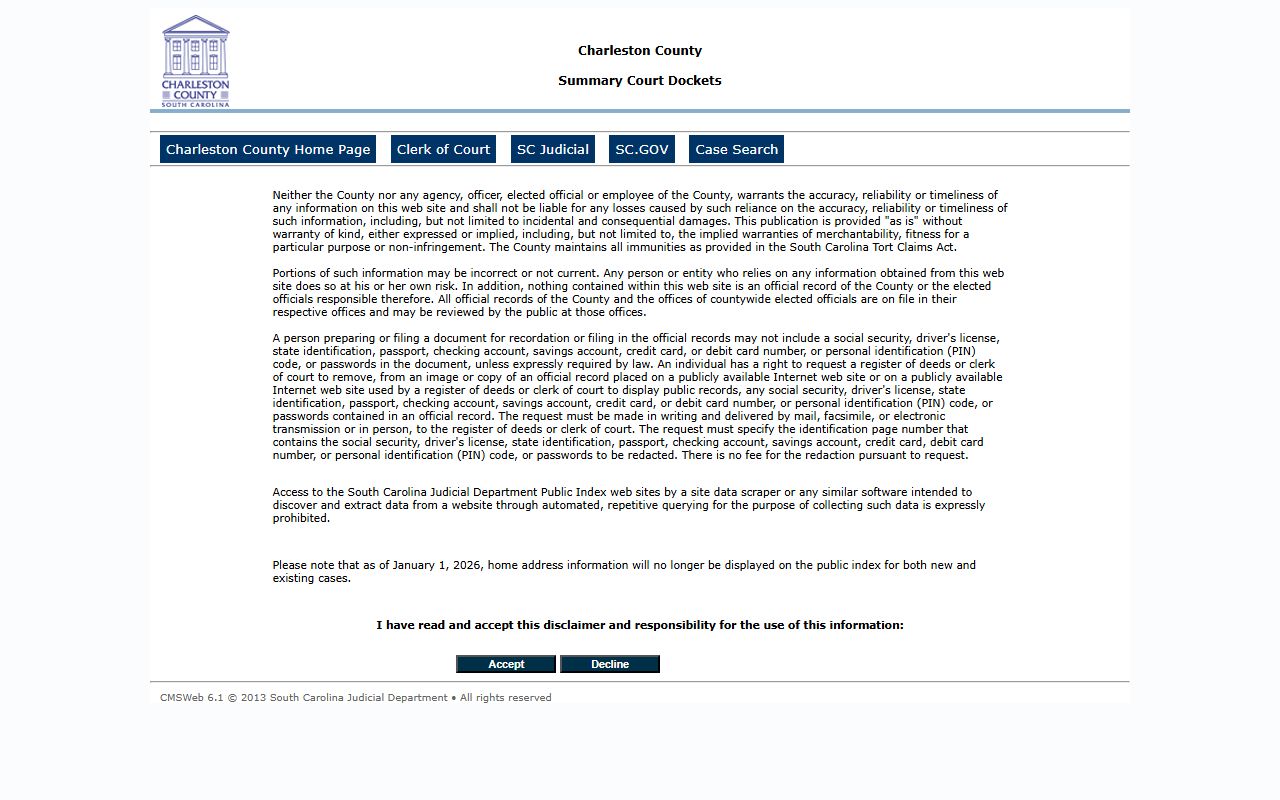
Summary Court Dockets are most useful when a traffic, magistrate, local ordinance, bond, or preliminary-hearing matter is not a Circuit Court case.
| Source | Best Use | Record Limit |
|---|---|---|
| Public Index | Case activity, parties, civil judgments, General Sessions entries, and many Common Pleas images. | Online data is not the official record. |
| Summary Court Dockets | Magistrate and summary-court calendar or docket lookups. | May not provide a full case file. |
| Clerk Counter | Certified copies, official records, and questions about Circuit or Family Court files. | Restricted files may require court approval. |
Public Access for Charleston County Court Records
South Carolina law and court rules create public access, but not every court file is open online. S.C. Code Section 30-4-30 gives a right to inspect, copy, or receive public records unless an exemption or other law applies. Rule 610, South Carolina Appellate Court Rules governs requests for South Carolina Judicial Branch records and permits denial when material is already available online or contains confidential data.
Charleston County also has a county FOIA channel for agency records that are not normal court case files. The Charleston County FOIA request portal is a separate route from the Clerk's Public Index and should be used only when the record holder is a county office rather than the court case file itself.
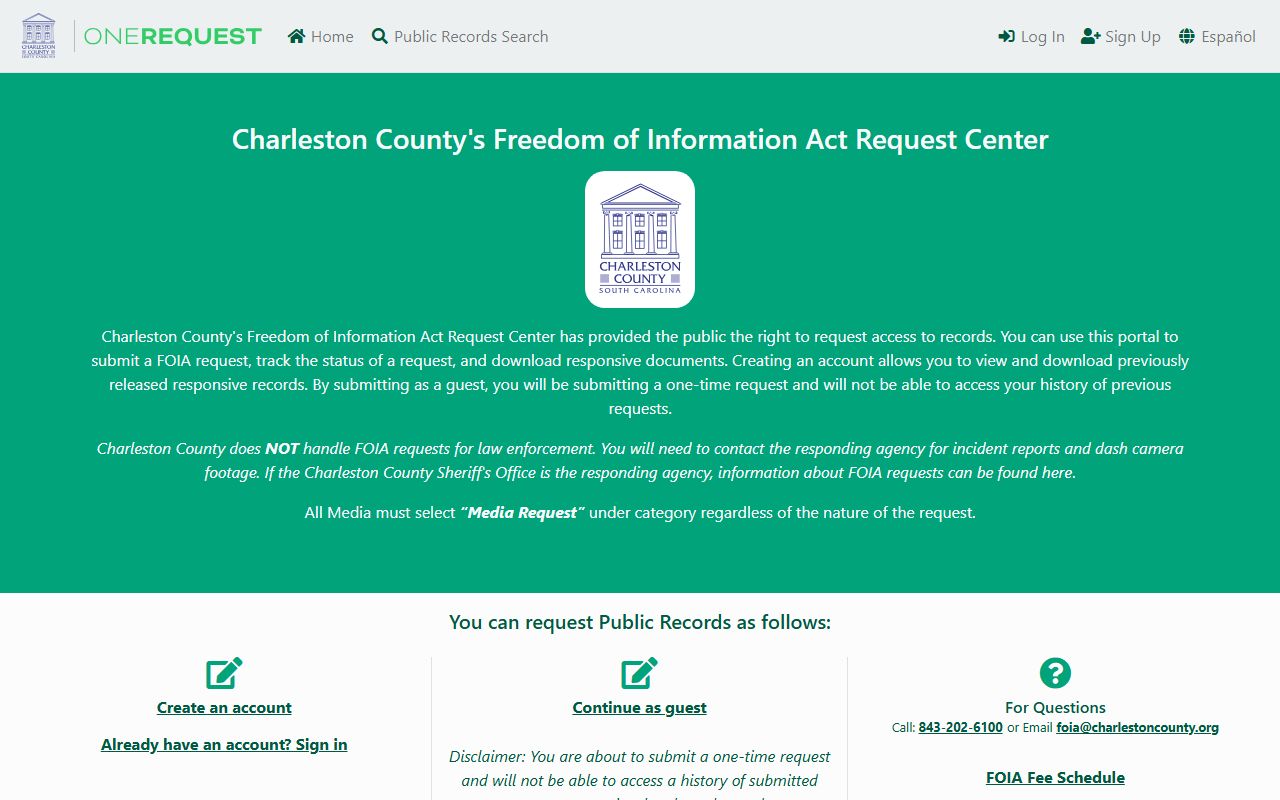
FOIA is a fallback for county-agency records, while Clerk, Probate, Magistrate, Municipal, and Judicial Branch channels remain the better source for court case records.
Note: Certified copies and official record questions should be confirmed with the court office that keeps the original file.
Restricted Charleston County Court Records
Some Charleston County court records are not available through public searches. Juvenile records are confidential under S.C. Code Section 63-19-2010, and termination-of-parental-rights court records are sealed under S.C. Code Section 63-7-2600 unless a judge orders access for good cause. Expunged criminal matters should not be expected to appear in normal public results. Mental-health commitment records are sensitive Probate Court records and should be treated as restricted unless Probate Court confirms a public portion.
The Public Index redaction notice also protects personal identifiers. A person may ask the Clerk or Register of Deeds in writing to remove Social Security numbers, driver's license numbers, state ID numbers, passport numbers, bank or card account numbers, PINs, codes, or passwords from online images or copies. The disclaimer also states that home addresses will no longer display on the public index for new and existing cases beginning January 1, 2026.
Charleston County Court Record Requests
When an online record is incomplete, unavailable, or not suitable for official use, the Clerk of Court is the main contact for Common Pleas, General Sessions, and Family Court records. The Clerk of Court's Common Pleas and General Sessions office is at 100 Broad Street, Suite 106, Charleston, SC 29401-2258. Family Court is at 100 Broad Street, Suite 143. Probate, Magistrate, Municipal, and Register of Deeds records have separate offices and should not be treated as Clerk case files.
Charleston County Clerk of Court
100 Broad Street, Suite 106
Charleston, SC 29401-2258
(843) 958-5000
Monday-Friday, 8:30 a.m. to 5:00 p.m.