
Charleston County Court Docket Basics
A docket is a running case log. In Charleston County, a docket entry may show an action date, filing date, event type, party role, hearing setting, order, disposition, judgment entry, or financial activity. For Circuit Court cases, the Public Index case screen may include tabs for parties, judgments, tax map data, associated cases, actions, and financials. The Actions tab is where many document and event entries appear.
A full court record is broader. It can include pleadings, images, orders, judgments, sentences, probate packets, and certified copies kept by the court office. A docket helps someone see the sequence and status of a case, while a full court file may be needed to read the document that caused the docket entry. For all-purpose case-file access, the broader Charleston County court records source path is a better fit.
- Docket
- A chronological list of events, filings, hearings, and court actions in a case.
- Action
- A Public Index event or document entry, such as a summons, complaint, answer, motion, order, or dismissal.
- Disposition
- The outcome of a case or charge, such as dismissed, guilty, not guilty, closed, transferred, or disposed.
- Roster
- A court calendar or schedule that may group hearings by judge, court term, court type, or date.
Search Charleston County Court Dockets Online
The Charleston County Public Index is the best starting point when the docket belongs to a Circuit Court case. Use Court Type and Court Agency to reach Common Pleas civil dockets or General Sessions criminal dockets. For lower-court calendars, the county and Public Index pages also link the Summary Court Dockets portal.
The Ninth Circuit Solicitor press release page is not a docket system, but it gives context for active criminal prosecutions and outcomes in the circuit.
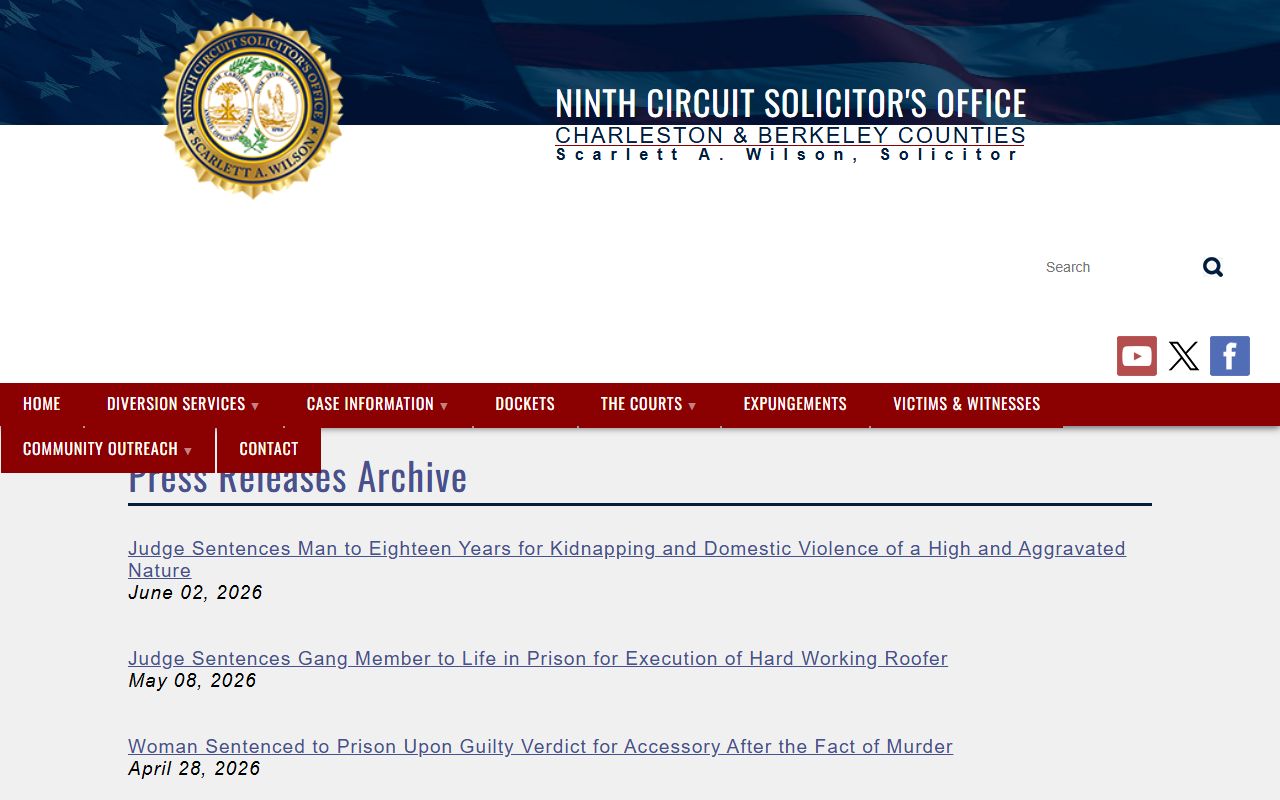
Solicitor updates can confirm that a General Sessions prosecution moved to plea, trial, sentencing, or another outcome, but the court docket remains the official case activity source.
- Start with the Public Index when the docket is tied to Common Pleas or General Sessions.
- Select the correct court type and agency, then search by case number when possible.
- For party searches, enter last name or business name first, then add first name, party type, action type, or date range if needed.
- Open the case number and review the Actions tab for docket entries, document icons, event dates, and orders.
- Use Summary Court Dockets for magistrate, summary criminal, traffic, bond, or preliminary-hearing calendar questions.
Charleston County Docket Entry Fields
Charleston County docket information is built from the same case record structure described in the Clerk search material. The Public Index documents action and date filters, and case screens may show parties, judgments, tax map details, associated cases, actions, financials, and images. A docket entry should be read as one line in the case history, not as the whole case.
| Field | What It Shows |
|---|---|
| Case Number | The Common Pleas, General Sessions, warrant, magistrate, municipal, or related number used to identify the docket. |
| Court / Agency | The division that owns the docket, such as Common Pleas, General Sessions, Magistrate Court, Municipal Court, Family Court, or Probate Court. |
| Action Date | The date an event or filing was entered, heard, received, or processed. |
| Action Type | The kind of event, such as answer, summons and complaint, motion, order of dismissal, hearing, judgment, or financial entry. |
| Party Filing | The party or side connected with the action when the docket identifies that role. |
| Document Icon | A paper icon on eligible Common Pleas action entries may lead to document images. |
| Disposition | The final or current outcome, if the case or charge has reached that stage. |
| Financials | Costs, fines, fees, or other financial entries when the tab is public and populated. |
Charleston County Court Docket Sources
Charleston County dockets are not held in a single calendar. Circuit Court uses the Public Index and state-linked rosters. Magistrate Court and Municipal Court handle many traffic, summary criminal, and local ordinance matters that may never become Circuit Court cases. Probate Court and Family Court have separate access limits because estates, guardianships, commitments, divorce, custody, juvenile, and support matters can include confidential information.
The Sheriff's Office news page is one public source for court-related events involving arrests, case outcomes, and agency initiatives.
Agency news can provide context, but it should not be used as a substitute for docket entries from the court that owns the case.
- Court of Common Pleas dockets cover civil lawsuits, judgments, lis pendens, foreclosure referrals, and other civil Circuit Court activity.
- Court of General Sessions dockets cover felony and higher-level criminal prosecutions, pleas, hearings, dispositions, sentencing, and financials.
- Magistrate Court dockets cover traffic, misdemeanor, bond, preliminary-hearing, small-claims, and landlord-tenant matters.
- Municipal Court dockets cover city traffic, local ordinance, and lower-level criminal cases inside city limits.
- Family Court and Probate Court records may have docket or search tools, but public access narrows when family, juvenile, mental-health, or protected personal data is involved.
Dockets vs. Charleston County Case Records
A docket is useful for timing. It can show that a summons was filed, a motion was heard, a plea was entered, a judgment was issued, or a case was disposed. The case record may include the actual summons, motion, plea, order, judgment, sentence, or image. That is why a docket can answer "what happened" before it answers "what did the document say."
| Question | Docket | Full Case Record |
|---|---|---|
| Best use | Track dates, hearings, actions, and status. | Read filings, orders, judgments, images, and certified copies. |
| Common source | Public Index Actions tab, Summary Court Dockets, rosters. | Public Index case view, Clerk counter, Probate Court, issuing court. |
| Proof value | Good for tracking, but not always official proof. | Certified copies or official office records carry more weight. |
| Limits | May omit document text or sealed details. | May require in-person request, fee, court order, or restricted access review. |
Read Charleston County Court Dockets
Start with the court agency and case number. Common Pleas is civil Circuit Court. General Sessions is criminal Circuit Court. A General Sessions docket may begin with a warrant number or direct indictment number, then add entries for hearings, motions, pleas, dispositions, and sentencing. A Common Pleas docket may include summonses, complaints, answers, motions, orders, judgments, lis pendens entries, tax map data, and associated cases.
Terms matter. An "action" is a docket event or document. A "motion" is a request for a judge to enter an order. A "judgment" is a final or enforceable decision. A "disposition" is the outcome of a case or charge. A "bond" entry can relate to release terms, while a "bench warrant" usually points to a judge-issued warrant for failure to appear or contempt.
Note: A scheduled hearing can change, so confirm court dates with the issuing court before travel.
Charleston County Court Docket Context
Not every court-date issue begins in a court portal. The Charleston County Sheriff's Office app is documented in the research as a public safety app with agency information, and its store pages can help residents follow law-enforcement updates that may relate to arrests, warrants, jail status, or courthouse activity. Court schedules still come from the court, not from the app.
The Android store listing is shown in the Charleston County Sheriff's Office Google Play source.
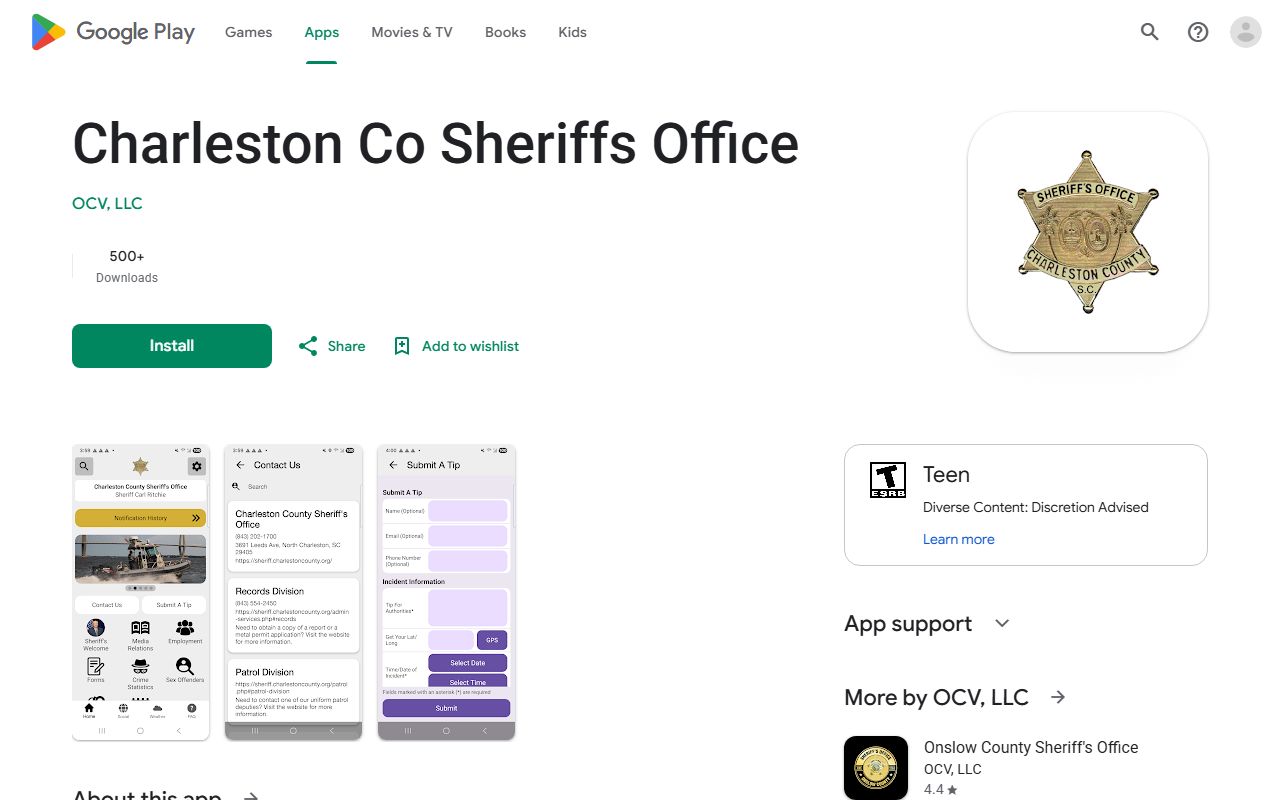
The app is useful for agency updates, while docket status should still be checked through the court search or the court office.
The iOS listing is shown in the Charleston County Sheriff's Office Apple source.
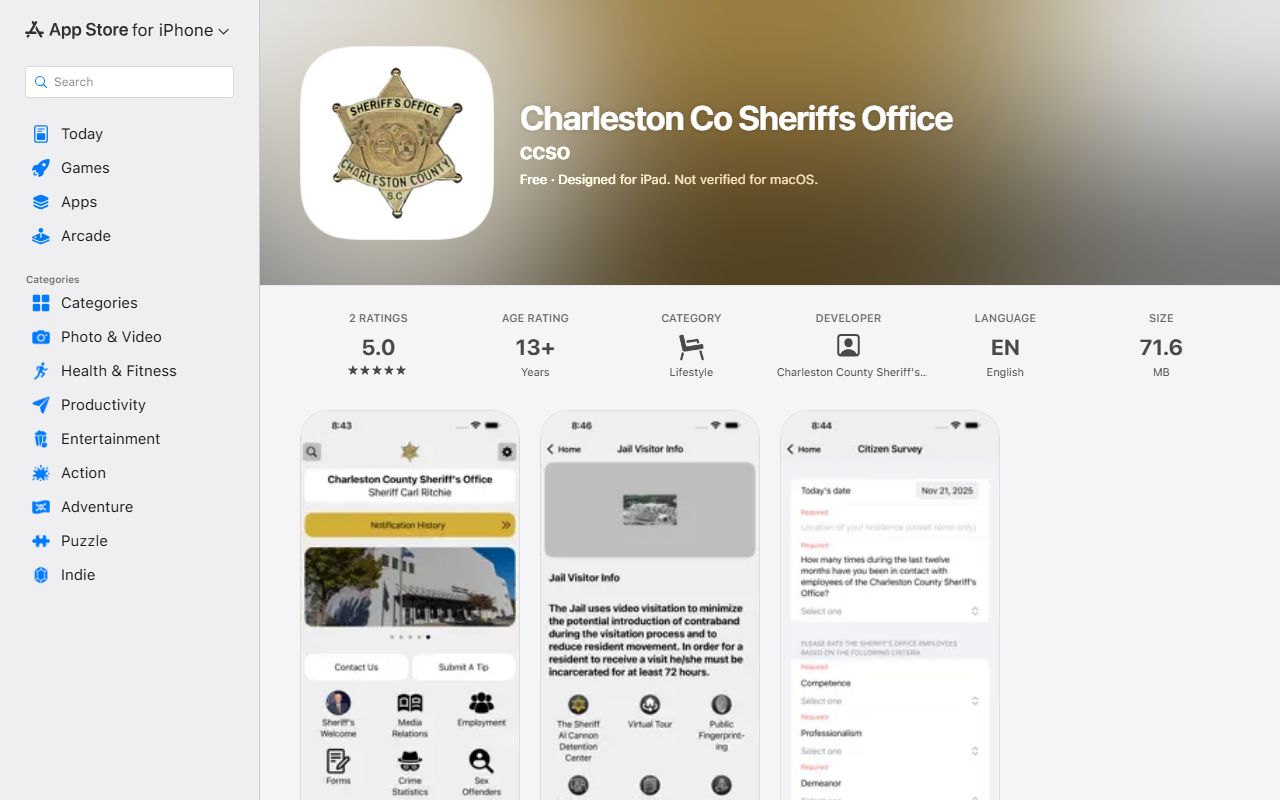
App notices may help with public safety context, but a party should rely on the court docket, summons, notice, or Clerk contact for appearance obligations.
Confirm Charleston County Docket Dates
For Circuit Court docket questions, contact the Charleston County Clerk of Court. The Common Pleas and General Sessions office is at 100 Broad Street, Suite 106, Charleston, SC 29401-2258, phone (843) 958-5000. Family Court is at 100 Broad Street, Suite 143, phone (843) 958-4400. For summary, traffic, or municipal matters, contact the issuing Magistrate Court or Municipal Court because those courts may control the docket and the appearance date.
Charleston County Clerk of Court
100 Broad Street, Suite 106
Charleston, SC 29401-2258
(843) 958-5000
Monday-Friday, 8:30 a.m. to 5:00 p.m.