
Charleston County Clerk Office
The Charleston County Clerk of Court is Julie J. Armstrong, who has served since first election in 1992. The Clerk supports the Court of Common Pleas, Court of General Sessions, and Family Court. Common Pleas is the civil side of Circuit Court, while General Sessions is the criminal side for felony and higher-level prosecutions. Family Court has its own counter and phone line because divorce, custody, support, abuse and neglect, and juvenile matters use a separate case track.
The Clerk page identifies two main public offices at 100 Broad Street. Common Pleas and General Sessions records are handled in Suite 106. Family Court is handled in Suite 143. The Clerk's official site also lists online juror summons tools, CourtPlus+, Circuit Court Case Search, Family Court Case Search, Daybook Search, Bondsmen Data, and RSS feeds. For land records, deeds, mortgages, plats, and recorded instruments, use the Charleston County Register of Deeds instead of the Clerk of Court.
The official Clerk homepage identifies the Clerk, hours, and court counters used for Charleston County Clerk records.
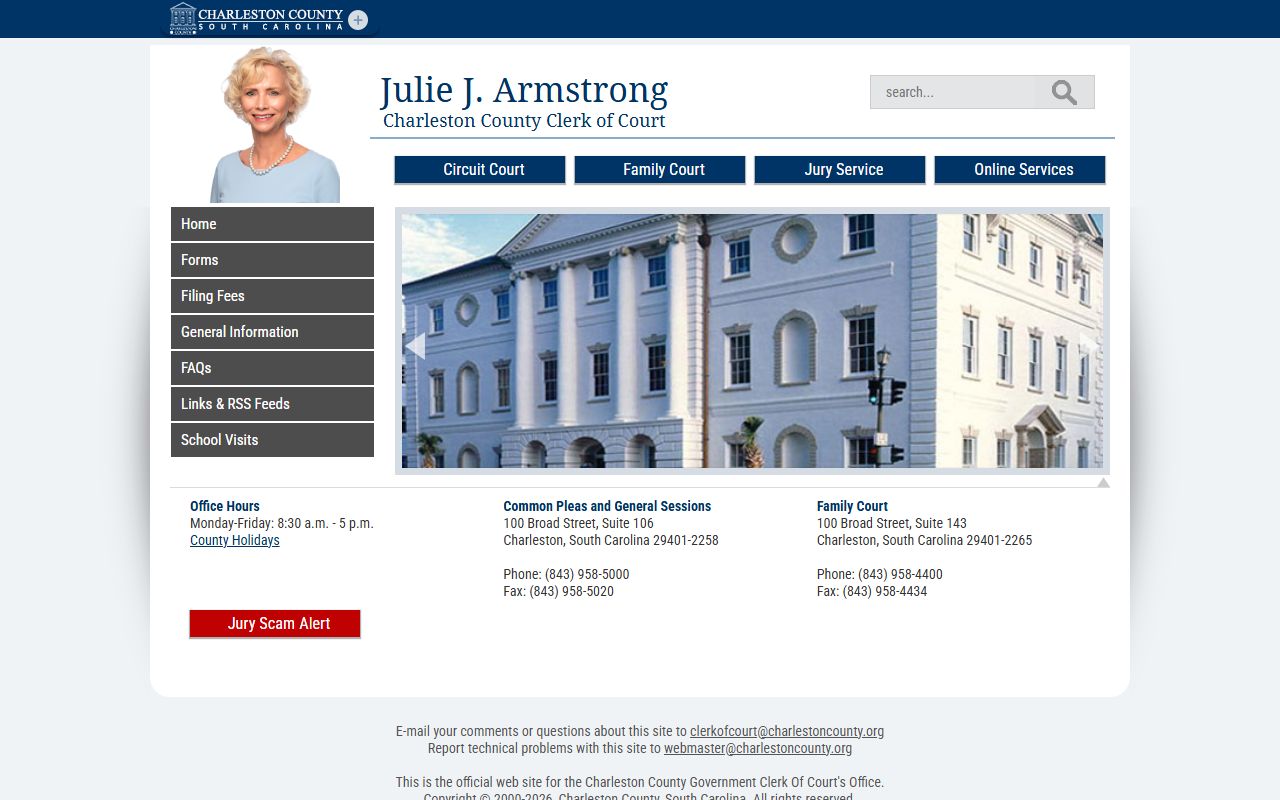
The Clerk homepage is the best starting point for current office routing before requesting a certified copy or checking a family case.
Clerk of Court, Common Pleas and General Sessions
Clerk: Julie J. Armstrong
100 Broad Street, Suite 106
Charleston, SC 29401-2258
(843) 958-5000
clerkofcourt@charlestoncounty.org
Monday-Friday, 8:30 a.m. to 5:00 p.m.
Clerk of Court, Family Court
100 Broad Street, Suite 143
Charleston, SC 29401-2265
(843) 958-4400
Fax: (843) 958-4434
Monday-Friday, 8:30 a.m. to 5:00 p.m.
Charleston County Clerk Records
Charleston County Clerk records are split by division. Common Pleas files may include complaints, summonses, answers, motions, orders, judgments, lis pendens, lower-court appeals, tax-map-linked disputes, and foreclosure actions that may later be referred to the Master-in-Equity. General Sessions records can include warrant numbers, indictments, defendant names, charges, pleas, dispositions, sentences, bond data, action entries, and financial tabs.
Family Court records are also supported by the Clerk, but public access is narrower. Divorce case existence and some docket information may be searchable, while custody, support, financial, abuse and neglect, and juvenile details can be restricted or redacted. South Carolina juvenile court records are confidential unless a court order or statute allows access.
- Common Pleas: civil lawsuits, judgments, lis pendens, foreclosures, and civil motions.
- General Sessions: felony and higher-level criminal prosecutions, pleas, dispositions, and sentences.
- Family Court: divorce, custody, support, domestic, and juvenile filings with access limits.
- Jury services: online juror summons tools linked from the Clerk's online services.
- Daybook and bondsmen data: separate Clerk tools for transaction and court-account support.
Charleston County Clerk Search Tools
The Clerk's online services page links the main tools used for Clerk records. Circuit Court Case Search opens the Public Index for Common Pleas and General Sessions. Family Court Case Search and CourtPlus+ support family-court access where public access is allowed. Daybook Search is separate from the main Public Index and can help with Clerk transaction research.
The Clerk online services grid shows how Charleston County routes searchers to CourtPlus+, Circuit Court Case Search, Family Court Case Search, Daybook Search, Bondsmen Data, and juror services.
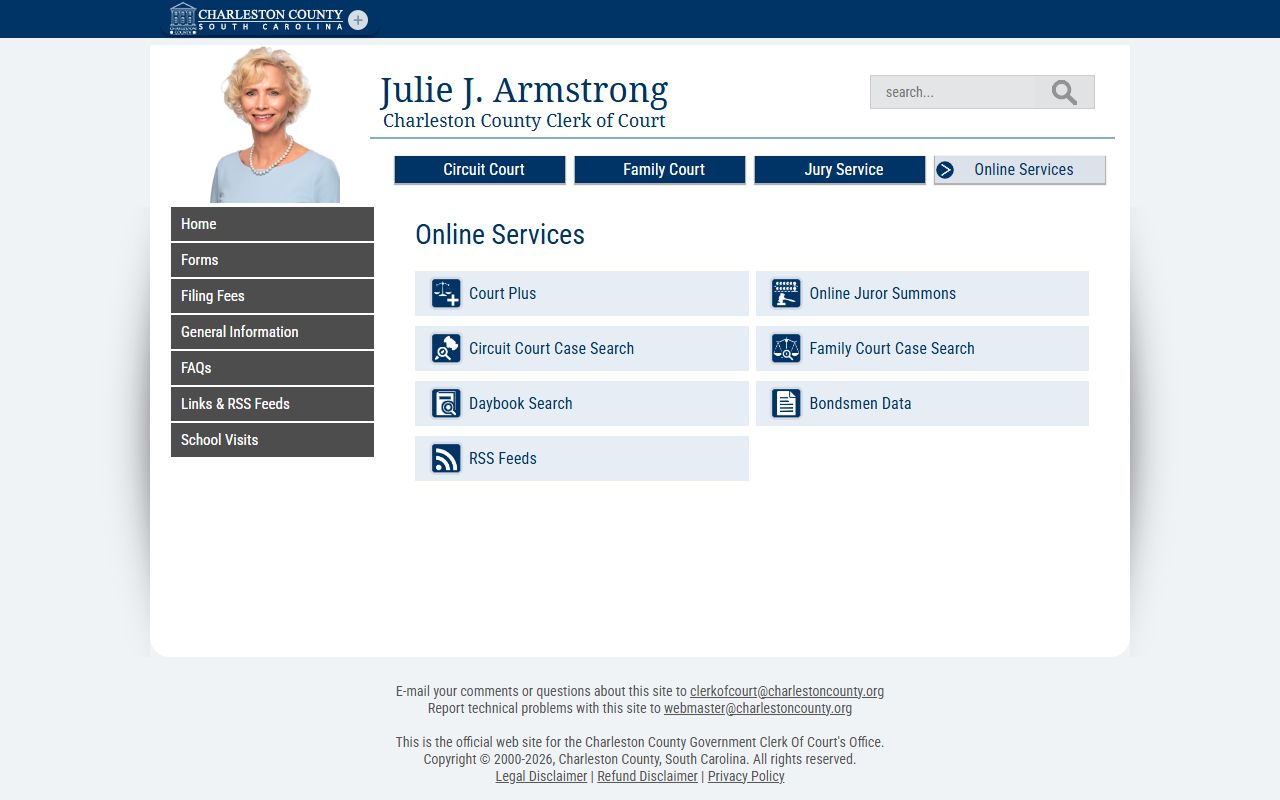
Those links matter because Charleston County Clerk records do not all appear in one screen or one database.
- Choose the case division first: Common Pleas, General Sessions, or Family Court.
- Use Circuit Court Case Search for Common Pleas and General Sessions records.
- Use CourtPlus+ or the Family Court link for divorce and family case access.
- Use Daybook Search when looking for Clerk transaction activity rather than a full case file.
- Call or visit the correct Clerk counter when an official copy, certification, or restricted file review is needed.
The Clerk also links the online juror summons system for jury service tasks.
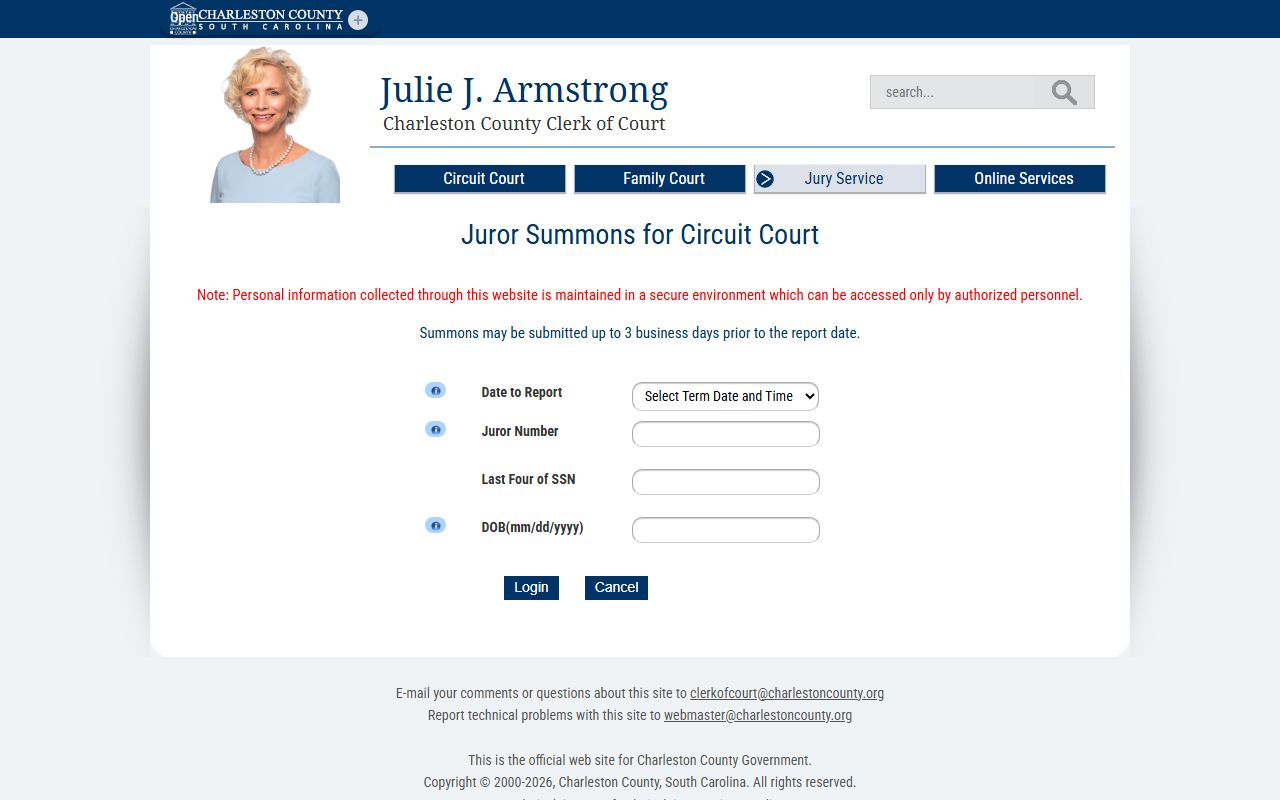
Jury tools are separate from public case search, but they are part of the same Clerk online services group.
Request Charleston County Clerk Copies
A certified copy is a Clerk-issued copy used to prove that a document is a true court record. The Public Index may show images and case entries, but the disclaimer says online information is not the official record. Official records remain in the responsible office. For Common Pleas and General Sessions, that office is the Clerk counter in Suite 106. For Family Court, use Suite 143 and expect access screening for restricted material.
- Identify the court, case number, party names, and document type if known.
- Check the Public Index, CourtPlus+, Family Court search, or Daybook Search to confirm the case path.
- Contact the correct Clerk counter for copy availability, certification, and payment instructions.
- Submit the request by the method the Clerk allows for that record, such as in person, phone-assisted, mail, email, or portal-based access.
- Ask whether the copy will be plain, certified, exemplified, or restricted before relying on it for legal use.
| Request detail | Why it matters | Source in research |
|---|---|---|
| Case number | Public Index case-number formats identify Common Pleas or General Sessions. | Search tips |
| Party names | Name searches work best with last name and limited punctuation. | Search tips |
| Document type | Orders, judgments, pleadings, and actions may be filed on different tabs. | Public Index |
| Copy type | Certified and plain copies serve different purposes. | Clerk counter |
| Access status | Family, juvenile, sealed, and redacted files may not be public. | Sections 7 and 8 |
Charleston County Clerk Access Limits
Research did not capture a current Clerk copy-fee table for Circuit or Family Court. It did capture probate copy fees and the Public Index redaction rule. Do not assume Probate Court copy fees apply to Clerk of Court case files. Ask the Clerk for the current amount before ordering certified Circuit or Family Court copies.
| Item | Captured amount or note |
|---|---|
| Circuit Court filing fees | State filing-fee page is linked, but the current table was not fully captured. |
| Family Court filing fees | State filing-fee page is linked, but the current table was not fully captured. |
| Public Index redaction request | No fee for removing protected identifiers from online images or copies. |
| Probate certified estate copy | $5.00, listed by Probate Court, not a Clerk case-file fee. |
The Public Index allows written requests to the Clerk or Register of Deeds to remove protected identifiers from online images or copies. Covered identifiers include Social Security numbers, driver's license numbers, state ID numbers, passport numbers, bank account numbers, credit or debit card numbers, PINs, codes, and passwords. Requests may be sent by mail, fax, electronic transmission, or in person, and must specify the page number.
The Rule 610 text governs South Carolina Judicial Branch records when normal public search tools do not provide the record.
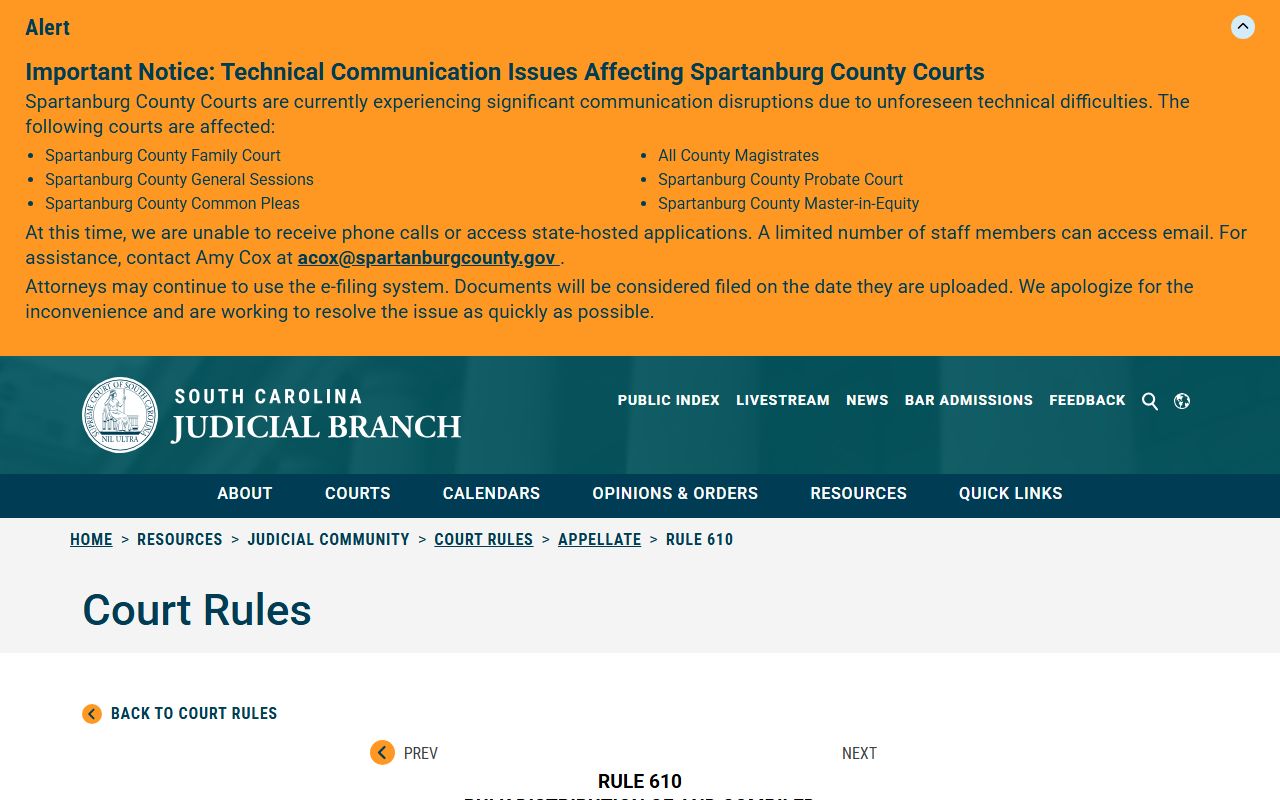
Rule 610 is a state judicial-records route, while county FOIA is used for county-agency records outside normal court-file access.
Charleston County Clerk Split
Charleston County uses a split record structure. The Clerk of Court maintains court case records for Common Pleas, General Sessions, and Family Court. The Register of Deeds, Karen Hollings, is a separate countywide official at 101 Meeting Street, Suite 200, and handles land and recording records rather than court case files. The split matters when a search involves real property. A foreclosure lawsuit or lis pendens may appear in Common Pleas, but a deed, mortgage, or recorded instrument belongs with the Register of Deeds.
The county court-info directory also routes users to Magistrates and Summary Courts for lower-court matters.
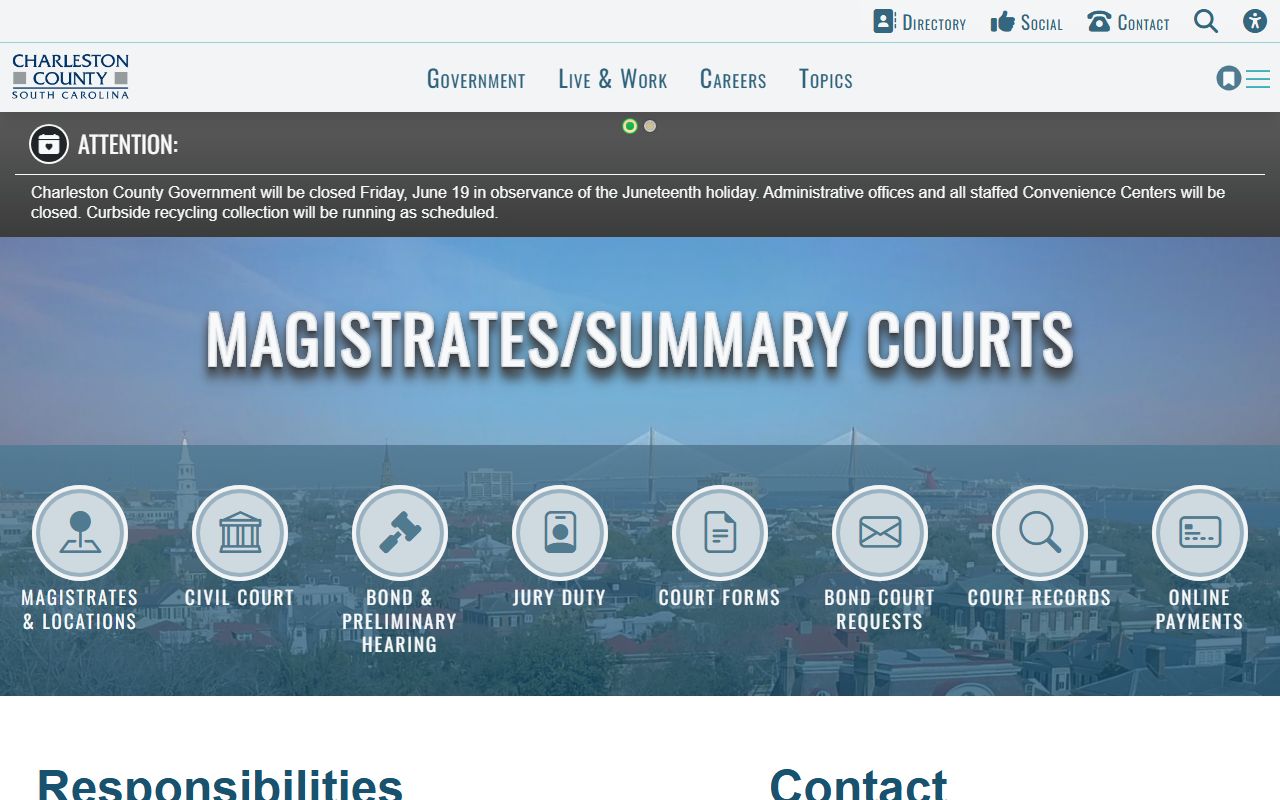
That routing is useful when a charge, traffic ticket, bond, or small claim never became a Circuit Court case.
Note: Home addresses are no longer displayed on the Public Index for new and existing cases as of January 1, 2026.